

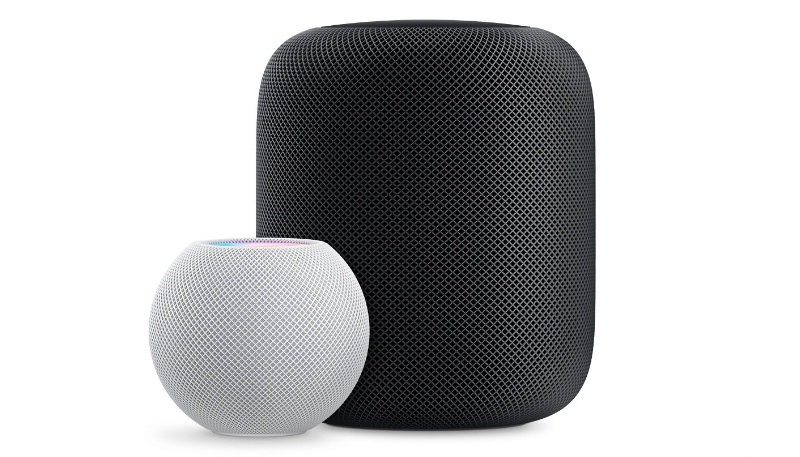
Apple has released new HomePod 26.1 software for the HomePod and the HomePod mini. The updates come close to seven weeks after Apple released the HomePod 26 software for the devices.
According to Apple’s release notes, HomePod Software 26.1 includes performance and stability improvements.
How to Update HomePod Software
Your HomePod or HomePod mini should update automatically, but you can also manually update your device by doing the following:
- Open the Home app.
- Tap on the icon that looks like three dots in the upper right corner.
- Tap on “Home Settings.”
- Scroll down to “Software Update.”
- Tap “Software Update” to see if there are any available updates.
- Once you’ve tapped on “Software Update,” you’ll see the current version of the HomePod software that is installed on your HomePod or HomePod mini. You can also toggle off automatic updates if you want.
- If there is an available update, tap the “Install” button to update your HomePod. If you have more than one HomePod or HomePod mini in your home, each one will be updated at the same time via this software update feature.
- A white spinning light appears on the top of HomePod while it’s updating. The update might take some time. Make sure that your HomePod stays plugged in while it’s updating.
Yesterday’s HomePod software update was released alongside iOS 26.1, iPadOS 26.1, macOS Tahoe 26.1, tvOS 26.1, watchOS 26.1, and visionOS 26.1.
