

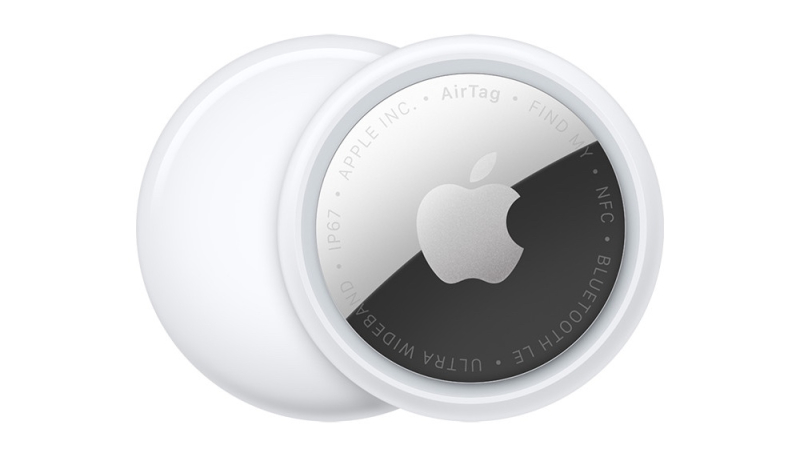
Apple has released new firmware for its second-generation AirTag tracking tags. The new firmware carries a version number of 3.0.49, up from the previous version 3.0.45. This marks the second firmware update that Apple has released for the AirTag 2.
Although there is no word yet on what the firmware includes, AirTag firmware updates most often address bugs and make other under-the-hood improvements. Apple will provide details on what’s included in the 3.0.49 firmware when it updates its firmware support page.
While there is no way to force your AirTag to update its firmware, there is a way to see if it has been updated to the latest version.
AirTag firmware updates install automatically when an AirTag is in range of your iPhone. The process is similar to how Apple updates the firmware of its AirPods lineup.
To check your AirTag’s firmware version, do the following.
- Open the Find My application on your iPhone.
- Tap the Items tab in the bottom navigation bar.
- Select your AirTag from the list of displayed items by tapping on the name of the AirTag.
- Your AirTag’s serial number and firmware version should be displayed.
