

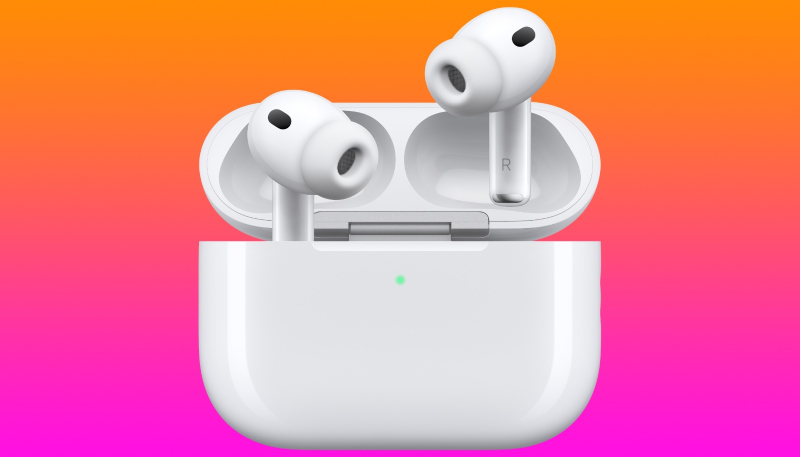
Apple has released new firmware for the AirPods Pro 2, AirPods Pro 3, AirPods 4, AirPods 5, and AirPods Max 2. The firmware has a build number of 9B47, up from 9A348/9A350.
Version 9B47 Release Notes
- Bug fixes and other improvements
How to Update Your AirPods Firmware
Update your AirPods or AirPods Pro firmware
-
- Make sure that your iPhone, iPad, or Mac is updated to the latest version of iOS, iPadOS, or macOS, and that Bluetooth is on.
- Make sure that your AirPods are connected via Bluetooth to your iPhone, iPad, or Mac.
- Connect your iPhone, iPad, or Mac to Wi-Fi.
- Connect your charging case to power.
- Put your AirPods in their charging case and close the lid. Keep the lid of the charging case closed, and keep your AirPods in Bluetooth range of your iPhone, iPad, or Mac.
- Wait at least 30 minutes for the firmware to update.
- Open the lid of the charging case to reconnect your AirPods to your iPhone, iPad, or Mac.
- Check the firmware version again.
If you still can’t update your firmware, reset your AirPods, then try to update your firmware again.
Update your AirPods Max firmware
-
- Make sure that your iPhone, iPad, or Mac is updated to the latest version of iOS, iPadOS, or macOS, and that Bluetooth is on.
- Make sure that your AirPods Max are connected via Bluetooth to your iPhone, iPad, or Mac.
- Connect your iPhone, iPad, or Mac to Wi-Fi.
- Plug the charging cable into the bottom-right earphone, then plug the other end of the cable into a USB charger or port.
- Keep your AirPods Max in Bluetooth range of your iPhone, iPad, or Mac, and wait at least 30 minutes for the firmware to update.
- Reconnect your AirPods Max to your iPhone, iPad, or Mac.
- Check the firmware version again.
If you still can’t update your firmware, reset your AirPods Max, then try to update your firmware again.
How to Check Your AirPods Firmware
Here’s how to check the firmware version of your AirPods Pro earbuds:
- Make sure your AirPods are connected to your iPhone or iPad.
- Launch the Settings app on your iPhone or iPad.
- Tap “General.”
- Tap “About.”
- Scroll down to “AirPods,” and tap that.
- Read the number next to “Firmware Version.”
Latest AirPods firmware versions
- AirPods Max 1 (USB-C): 7E108
- AirPods Max 1 (Lightning): 6F25
- AirPods Pro 3: 9B47
- AirPods Pro 2 with MagSafe Charging Case (USB-C): 9B47
- AirPods Pro 2 with MagSafe Charging Case (Lightning): 9B47
- AirPods Pro 1: 6F21
- AirPods 5: 9B47
- AirPods 5 with Wireless Charging Case: 9B47
- AirPods 4: 9B47
- AirPods 4 with Active Noise Cancellation: 9B47
- AirPods 3: 6F21
- AirPods 2: 6F21
- AirPods 1: 6.8.8
Learn how you can identify your AirPods.
