

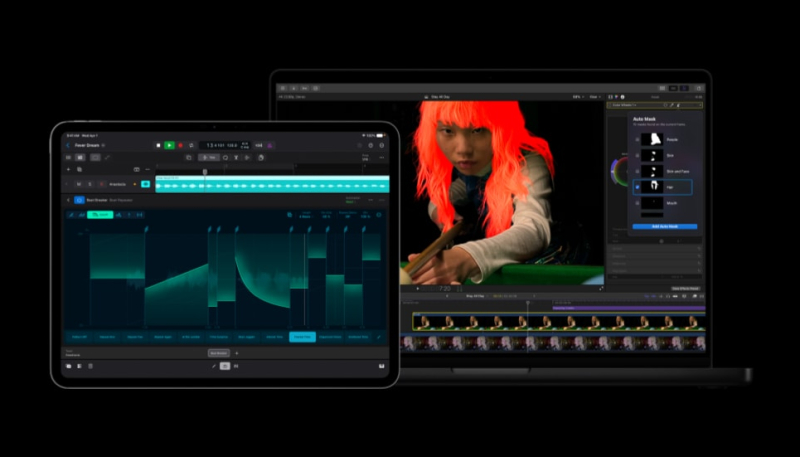
Apple today announced updates for its Creator Studio apps, bring new AI features to Pixelmator Pro, Final Cut Pro, Logic Pro, and more.
Apple is integrating Pixelmator Pro with Final Cut Pro, Keynote, Numbers, and Pages, allowing users to open and customize any image placed in Keynote, Pages, and Numbers, or even send a key frame from Final Cut Pro directly to Pixelmator Pro to create thumbnails and social graphics.
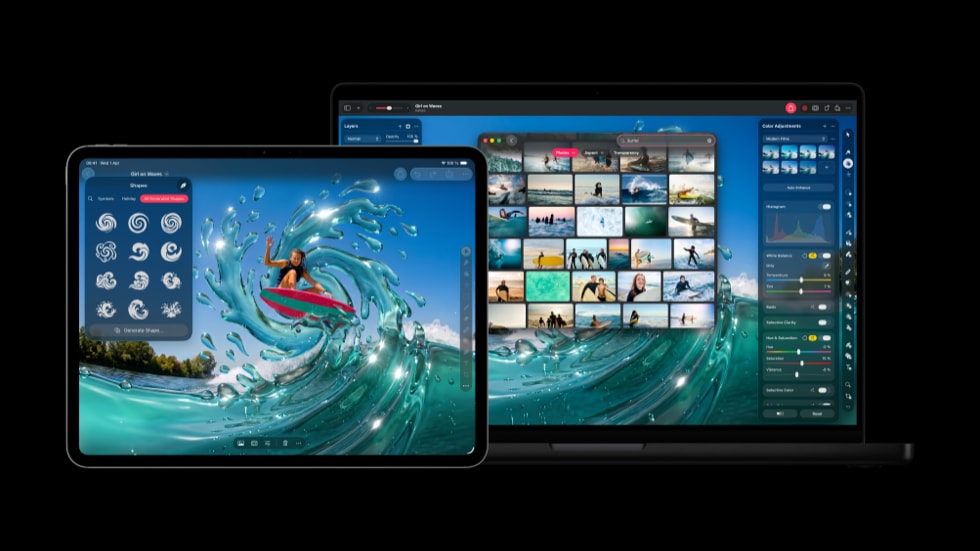
In Keynote, Numbers, and Pages, users can select an image in a document and open it in Pixelmator Pro to edit, with changes being saved to the original document. The three apps also now support generating vector shapes using AI.
Logic Pro users can elevate their music, thanks to improvements to Chord ID or explore a new Producer Project from a Grammy Award-winning producer.
Pixelmator Pro is also getting advanced image generation and a Content Hub. Users can generate AI images directly in Pixelmator Pro with natural language. A curated collection of images is available in Content Hub. Freeform also integrates with Pixelmator Pro in iOS 27, iPadOS 27, and macOS Golden Gate.
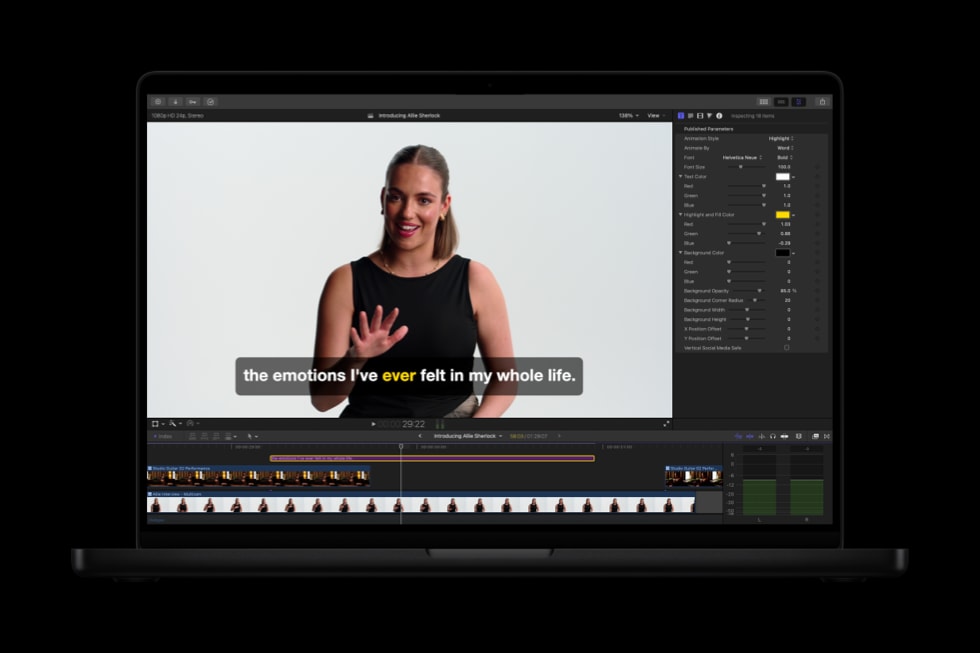
Final Cut Pro adds the Generate Captions feature, an on-device AI feature that can automatically add subtitles to videos based on audio. Subtitles can be animated and can use custom fonts, colors, and positions.
Edit Detection analyzes rendered video and splits it back into the original clips on the timeline, allowing editors to use the tool for editing refinements or for assembling a cut-down highlight clip for social media.
On Mac, Final Cut Pro users also benefit from even more tools like Auto Mask, an enhanced Match Color, Advanced Trimming, and more. An Auto Mask feature isolates and refines video elements specific elements of footage. On-device AI recognizes subjects like skin, hair, sky, foliage, and clothing, with no manual tracking needed. A simple hover over a clip brings up a live preview of what has been detected, or users can choose from the list in the inspector, making it seamless to pair the mask with any color correction or effect for precise adjustments.
Auto Mask works hand in hand with Magnetic Mask, which gives editors complete control over exactly what to identify, track, and mask. A reimagined Match Color produces more accurate and natural color matches across a wider range of footage and lighting conditions. Advanced Trimming allows users to fine-tune incoming and outgoing frames one at a time.
Users can hover over a clip and make precise adjustments with no manual tracking. Color Match now produces more accurate and natural color matches in different lighting conditions, plus Advanced Trimming lets users fine-tune incoming and outgoing frames one-by-one.
Motion adds native support to keep vector graphics crisp at any resolution, along with Distribute Layers for a dramatically faster setup of complex animations. Compressor introduces an Immersive Metadata Viewer, 180-degree Apple Projected Media Profile support for Apple Vision Pro, and an Anaglyph View for Stereoscopic Video Preview.
Logic Pro boasts a rebuilt Chord ID feature that is more accurate than before. Session Players will now respond and perform chord changes more quickly. Both Logic Pro and MainStage have a new granular sync mode in Alchemy.
Creator Studio Pro offers access to six Apple apps for $12.99 per month or $129 per year. Students and educators are able to subscribe to Creator Studio for $2.99 per month or $29.99 per year. The Creator Studio subscription can be shared with up to five family members on a linked Apple Account.
