

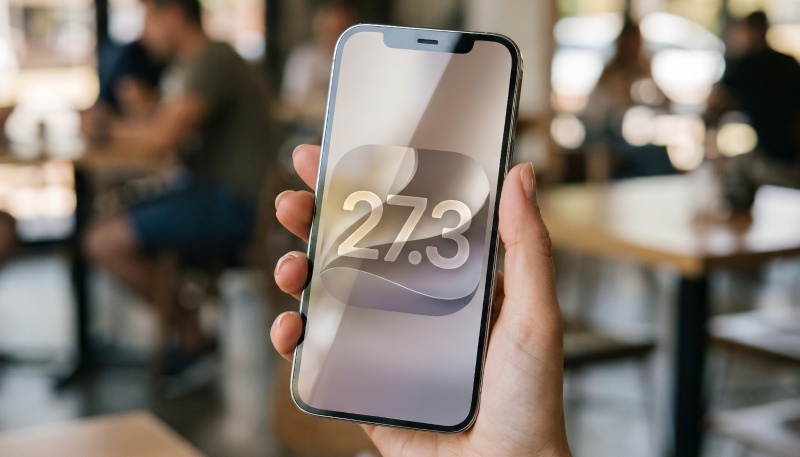
Apple has seeded the second beta of its upcoming iOS 27.3 and iPadOS 27.3 updates to developers for testing. The second beta comes two weeks after the first betas were released.
Registered developers can download the new beta software in the Software Update section of the Settings app. Just go to: “General” -> “Software Update” and select the iOS 27 developer beta.
What’s New in iOS 27.3 Beta 2:
Here’s what’s new in this beta:
iPhone Duo Lock When Closed
Users now have an option to lock the iPhone Duo when it’s closed instead of transferring content to the front display. The new “Close to Lock” feature can be enabled in the Display and Brightness section of the Duo’s Settings app.
iPhone Duo Face Unlock
Apple has also added a new option to unlock the iPhone Duo using the front-facing camera. The option is only available when the iPhone Duo is closed, and it can only be used on the Lock Screen. Unlocking with the camera requires a recent Touch ID or passcode authentication, and Touch ID is once again required after 45 minutes of inactivity.
Users will still be required to use Touch ID authentication for Apple Pay purchases and to access passwords and logins.
Unlocking with the front-facing camera is not available when the iPhone Duo is open, likely because the under-display camera is not of high enough quality.
The face unlock feature can be turned on in the iPhone Duo’s Settings app under Touch ID and Passcode.
Siri AI
A new “Ask About Page” feature for Siri AI that allows Siri to see the entire content of a webpage, even if it’s not currently viewable on screen.
Siri AI can also now access Health data when given permission, and the assistant’s control over smart home products has also improved.
Apple Intelligence and Siri AI Usage Limits
Apple has been warning about Apple Intelligence usage limits for months, and iOS 27.3 introduces that. Siri AI and Apple Intelligence features that use server-side processing will now have daily usage limits, applied on a per-device basis.
200GB and higher iCloud+ plans will score extra access, with the 200GB plan getting up to 2x the usage allotment, the 2TB plan getting up to 5x, the 6TB plan up to 10x, and the 12TB plan up to 20x the allotment.
Complex Siri AI requests that server-side processing involve multiple steps, AI workflows and automations in Shortcuts, image generation and editing tools, and third-party apps that use Apple Foundation Models in Private Cloud Compute.
Calendar
The Calendar app now offers an updated layout that with the interface for searching and adding an event moved to the bottom of the app. The “Today” button that takes you to the current date now shows the date.
Apple TV App Podcasts
Video podcast episodes are now available in the Apple TV app, although only free video podcasts will appear in the Apple TV app.
Apple News+ Puzzles
Apple News+ Puzzles will be expanding to Australian, UK, and French-Canadian Apple News+ subscribers.
Subscribers in Australia will get access to a daily quick crossword, crossword mini, Sudoku, Quartiles, and Emoji Game; UK subscribers get access to the crossword mini, daily quick crossword, and Sudoku; and French-Canadian subscribers will be able to play Emoji Game and Quartiles.
Weather App
There are 10 new weather condition symbols in the Weather app, but according to pdfu, Apple doesn’t appear to be using them yet.
Home App
The Home app has added an “Unrecognized People” restriction to limit how guest users can use Safari and Siri on Apple home devices.
Apple Music
Also discovered by pdfu, “album release countdown” code has now been included in Apple Music, but it doesn’t appear to be active yet.
As usual, MacTrast and Apple both warn users to never install any betas on their daily driver iPhone or iPad. Instead, only install betas on a device solely used for testing purposes.
