Apple today unveiled a new suite of “powerful, intuitive, and easy-to-use features” it says will allow parents to more easily manage what content their children can see, what apps they have access to, and who they can communicate with. The new features will be available in the Screen Time update in iOS 27, iPadOS 27, and macOS 27, which will be released to the public this fall.
Parents will have access to a simpler setup experience that will include a set of essential apps, Ask to Browse, Time Allowances, and a redesigned Screen Time.
“At Apple, our mission has always been to create technology that empowers people and enriches their lives, while helping keep them safe,” said Sumbul Desai, M.D., Apple’s vice president of Health and Fitness. “Our approach to helping families create safer digital experiences is grounded in the belief that every child is unique. That’s why we build simple and intuitive tools, based on expert guidance, to let parents tailor their kids’ digital journey. Today, we’re introducing major updates to help families thoughtfully establish age-based protections and develop healthy digital habits.”
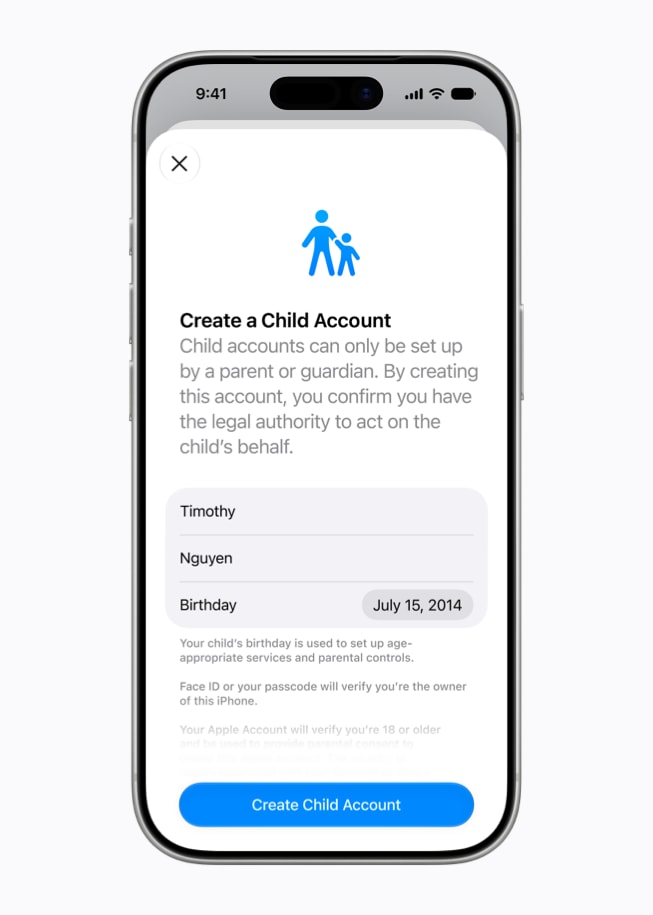
The first step parents must take is to create a child account, which will allow them to create an age-appropriate on device experience for their child. By doing so, they enable safeguards across the system, tailored to the child’s age. This will allow them to allow only age-appropriate media, block access to adult websites, and set age-based restrictions in the App Store. A child account is required for children under 13 and available for children up to 18.
Once a child account is created, parents can select which apps their offspring can access on their device. Parents can start with just a few essential apps, a curated set, or just the apps they feel are appropriate for their youngster. Parents can add more apps over time.
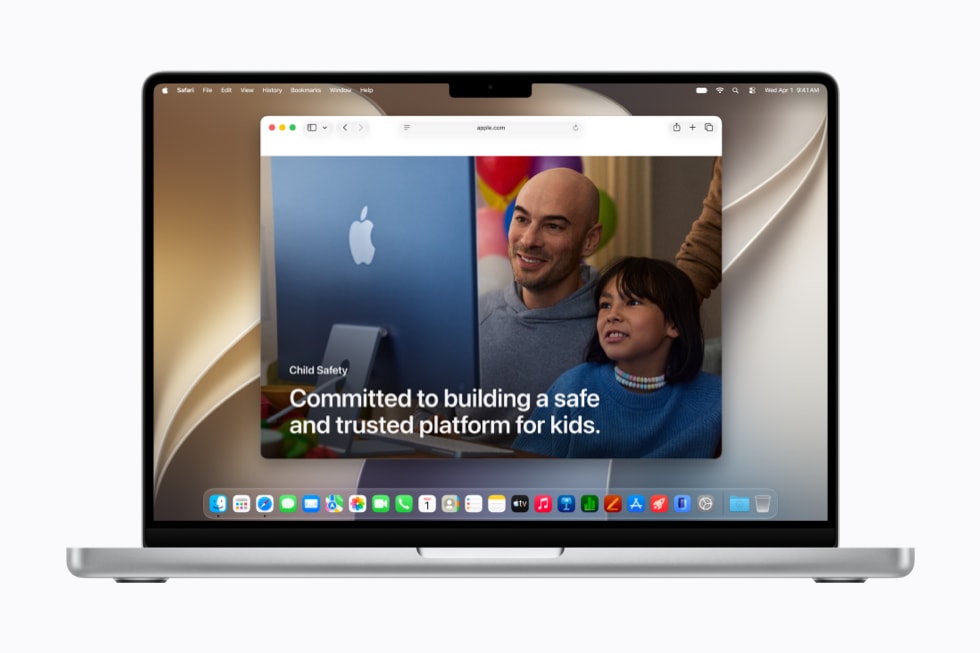
A new Ask to Browse setting allows parents to require that their child asks permission to access any new websites in the Safari browser. This feature works seamlessly across iPhone, iPad, and Mac.
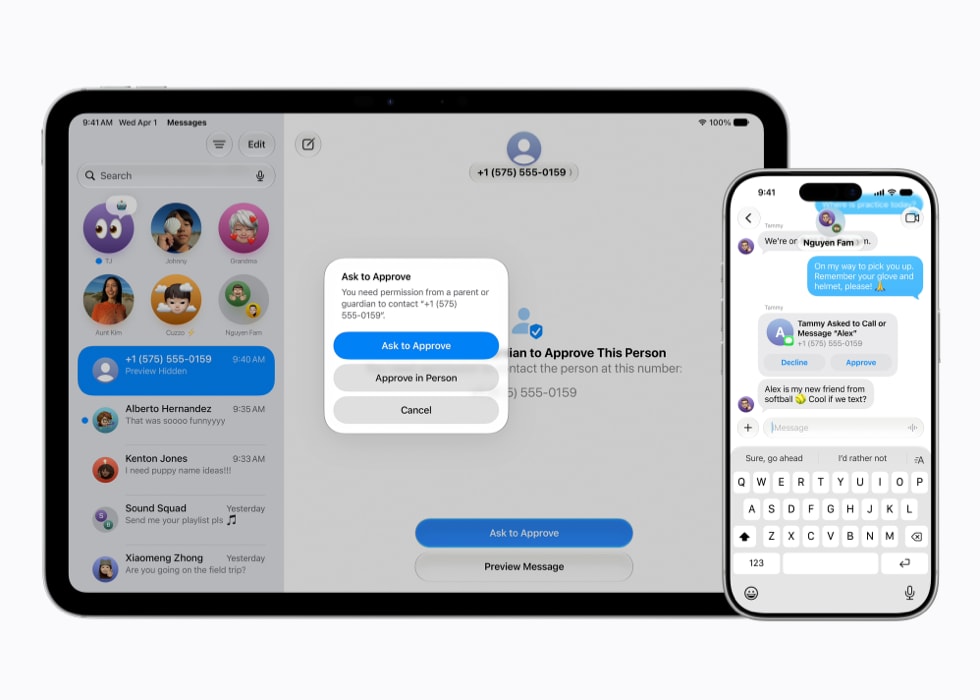
Parents can manage who their children can connect with via the Messages, FaceTime, and Phone apps. Parents can require their kids to ask for approval before connecting with anyone new. Meanwhile, in addition to blurring any nudity detected in Messages and FaceTime calls, (already turned on by default for users under 18), Communication Safety already will now also block gore or violent content when detected in shared images or videos.
Parents can use Time Allowances to manage the time their kids spend in apps across several categories. Time Allowances provide parents with guidance based on expert research and tailored to a child’s age.
Daily Schedules can also manage which apps their children have access to at different times of the day and across the week.
A redesigned Screen Time offers parents their kids’ average device usage and most used apps at-a-glance, allowing parents to make adjustments to their kids’ access to apps and the web with just a tap.
Apple is working with the American Academy of Pediatrics (AAP) to adapt its Family Media Plan into a guide parents can reference when using Apple products.
Apple has launched a dedicated website featuring the latest tools, helpful resources, and answers to common questions.
To help developers offer an age-appropriate app experience, Apple offers a suite of tools that can help protect kids from seeing inappropriate content like violence or nudity and help ensure parents approve any new in-app contacts. Developers can also integrate the Declared Age Range API, which allows them to request a child’s age range and tailor their app experience accordingly. This is done without sharing a child’s birthday information.
New features will be available after installing the Screen Time update in iOS 27, iPadOS 27, and macOS 27.