

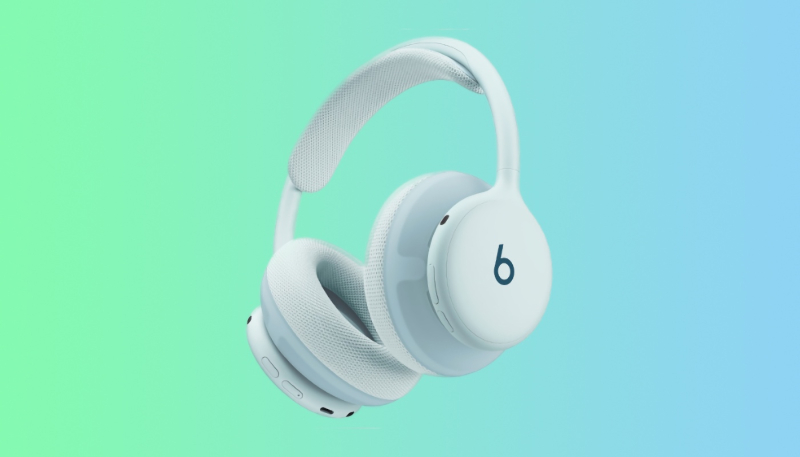
Beats customers that pre-order the recently-announced Beats 360 over-ear headphones will find that there is new firmware available right out of the box. Apple on Tuesday released firmware version number 4A262, up from the original 4A260 firmware.
We don’t currently know what’s included in the firmware update.
There is no way to manually force an update for the Beats firmware. Firmware updates for Beats are delivered over the air, and will be installed when the Beats 360 headphones are fully charged and connected to an iPhone, iPad, or Mac. The headphones should be turned off and kept in Bluetooth range of your Apple device.
Android device users can update the headphones using the dedicated Beats app.
How to Check Your Beats 360 Firmware Version
Make sure your Beats are connected to your device, then do any of the following:
- iPhone or iPad: Go to Settings, tap the name of your Beats near the top of the screen, scroll down to the About section, then look for the version number.
- Mac: Choose Apple menu -> System Settings, click the name of your Beats in the sidebar, then look for the version number.
- Android device: Go to the Beats app, scroll down to “Under the Hood” in the device screen, then look for the firmware version number. If an update is available, tap the Update button (at the top of the screen), then follow the onscreen instructions.
