

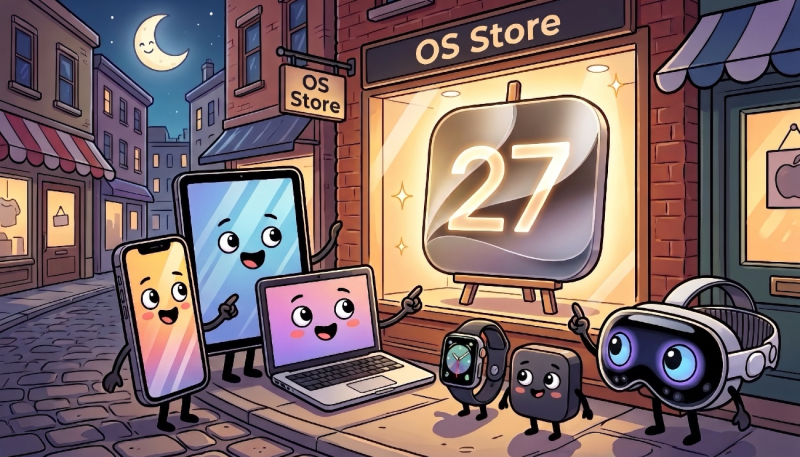
iOS 27, iPadOS 27, macOS 27 Golden Gate, watchOS 27, tvOS 27, and visionOS 27 will all rollout to the public today, Monday, September 14, 2025. Is your device compatible with the new “27” versions of Apple’s software? Let’s take a look.
iOS 27 Compatibility
iOS 27 is Compatible with the following iPhone models:
- iPhone Duo
- iPhone 18 Pro Max
- iPhone 18 Pro
- iPhone 17 Pro Max
- iPhone 17 Pro
- iPhone Air
- iPhone 17
- iPhone 17e
- iPhone 16 Pro Max
- iPhone 16 Pro
- iPhone 16 Plus
- iPhone 16
- iPhone 16e
- iPhone 15 Pro Max
- iPhone 15 Pro
- iPhone 15 Plus
- iPhone 15
- iPhone 14 Pro Max
- iPhone 14 Pro
- iPhone 14 Plus
- iPhone 14
- iPhone 13 Pro Max
- iPhone 13 Pro
- iPhone 13
- iPhone 13 mini
- iPhone 12 Pro Max
- iPhone 12 Pro
- iPhone 12
- iPhone 12 mini
- iPhone 11 Pro Max
- iPhone 11 Pro
- iPhone 11
- iPhone SE (2nd generation and later)
iPadOS 27 Compatibility
iPadOS 27 is Compatible with the following iPad models:
- iPad Pro (4th generation and later, M1 and later)
- iPad Air (4th generation and later, M2 and later)
- iPad (9th generation and later, A16)
- iPad mini (6th generation, A17 Pro
macOS 27 Golden Gate Compatibility
macOS 27 Golden Gate is Compatible with the following Mac models:
- MacBook Neo (2026)
- MacBook Air with Apple silicon (2020 and later)
- MacBook Pro with Apple silicon (2020 and later)
- iMac with Apple silicon (2021 and later)
- Mac mini with Apple silicon (2020 and later)
- Mac Studio (2022 and later)
- Mac Pro with Apple silicon (2023)
watchOS 27 Compatibility
watchOS 27 is Compatible with the following Apple Watch models:
- Apple Watch SE 3
- Apple Watch Series 9
- Apple Watch Series 10
- Apple Watch Series 11
- Apple Watch Series 12
- Apple Watch Ultra 2
- Apple Watch Ultra 3
- Apple Watch Ultra 4
tvOS 27 Compatibility
tvOS 27 is Compatible with the following Apple TV models:
- Apple TV 4K (2nd generation, 2021)
- Apple TV 4K (3rd generation, 2022)
visionOS 27 Compatibility
visionOS 27 is Compatible with the following Apple Vision Pro models:
- Apple Vision Pro with M2 and later
When the new software becomes available, make sure your device has been backed up recently, and is fully charged before you start the installation process over WiFi. Get a cup of coffee and maybe a snack, as the update may take some time to complete. You may even want to wait until later in the day or even the next day to update your device, as the Apple servers will probably be hit hard at first.
To check for the update, go to “Settings” -> “General” -> “Software Update,” and wait a moment for your device to contact Apple’s servers. You can also opt for the update to be installed while you sleep with your iPhone, iPad, or Apple Watch on a charger on your nightstand.
