

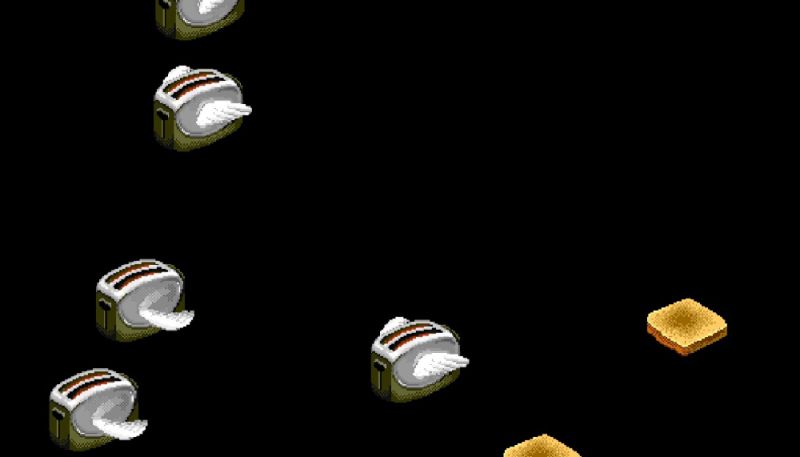
If you were around in the Macs early years (I assume there are still some of us around), you’ll likely recall the After Dark collection of screensavers, first released for the 68k Macintosh, then later on Windows PCs.
What the Heck Was After Dark?
Oh, okay, so you’re new to the Mac scene. Well, After Dark was a series of computer screensaver software released by Berkeley Systems in 1989 for the Macintosh, and in 1991 for Microsoft Windows. There multiple sequels to the original edition. Sequels included were More After Dark and Before Dark, and even several editions themed around licensed properties such as Disney, Looney Tunes, Marvel, Star Trek, and The Simpsons.
However, with all that said, the screen saver most of us will remember is the original version’s Flying Toasters, which featured 1940s-style chrome toasters that had somehow sprouted wings, flying across the screen alongside pieces of toast.
Okay, What’s Afterglow?
Developer Jeff Halter has created Afterglow, an app for which allows modern Mac users to enjoy those classic Mac screensavers on their machine. (Via Daring Fireball)
To install Afterglow, you simply download the image file, mount it, then drag the app into your Mac’s Applications folder. Then, you can fire up the app and import and enjoy classic After Dark modules on your Mac’s screen. It should be noted that while there are no After Dark modules included in the download, the app can import any you may still have on a handy hard drive, or it can also import them from Archive.org.
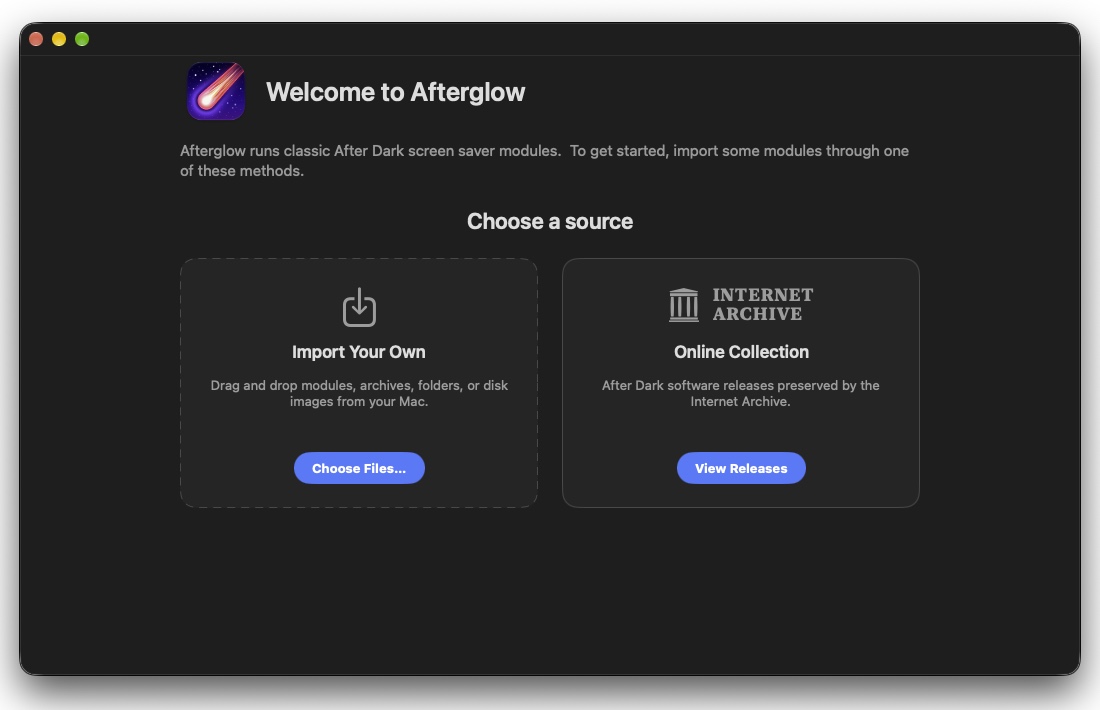
Halter says his motivation behind the project is because the screensavers “are works of art worth preserving.”
Halter also explained that Afterglow is built to do one thing and one thing only, and that’s running the original 68k After Dark module code. There app has no dependencies on ROMs or classic Mac OS.
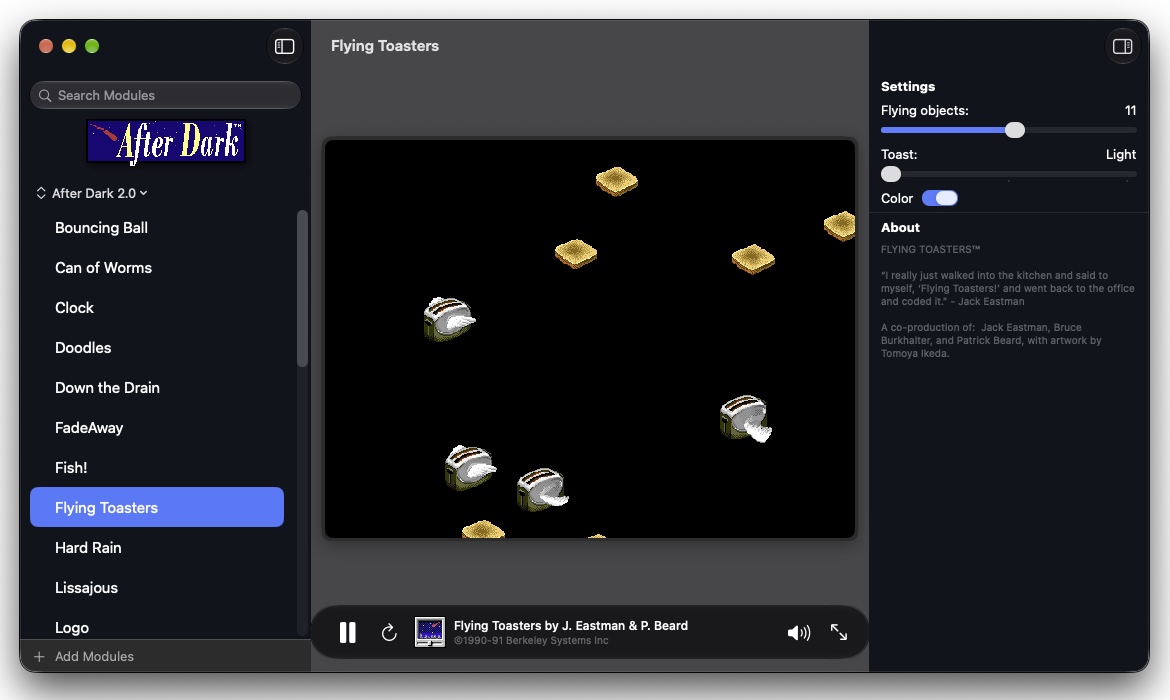
Afterglow includes several features including
- Full-screen mode
- Module controls
- Multimodule support
- A CRT shader
- A randomizer
- 3D box art
- A resource inspector
- A DrawMorph editor.
To learn more about Afterglow, visit the Afterglow website.
