

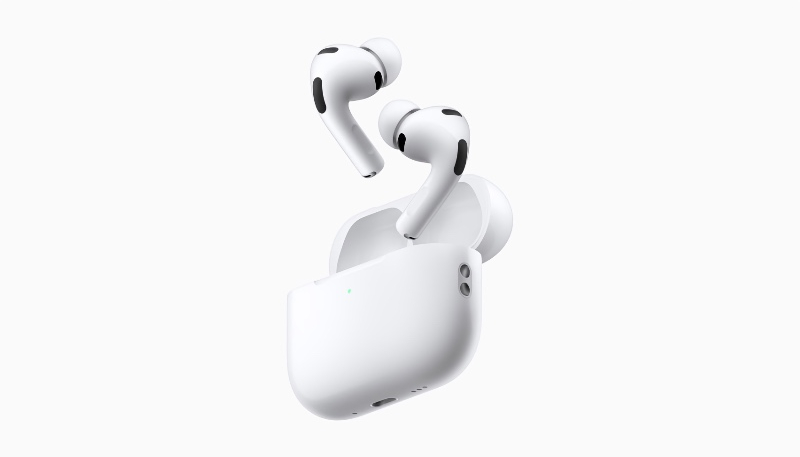
Apple this week released new firmware for the AirPods Pro 2, AirPods Pro 3, AirPods 4, and AirPods Max 2. The firmware is available for all of the above devices. The firmware has a build number of 9A348.
Version 9A348 Release Notes
-
Firmware update 9A348 features a Custom EQ, allowing users to personalize how their AirPods sound to match their listening preferences. Users can access a new Equalizer control in AirPods settings to adjust the low, mid, and high frequency response on AirPods 4 and later, AirPods Pro 2 and later, and AirPods Max 2.
-
With GymKit on iPhone, users can connect their iPhone to compatible cardio gym equipment like treadmills, ellipticals, and bikes, and sync their heart rate data from AirPods Pro 3.
While there isn’t any way to manually update the firmware of the earbuds, the new software will be installed over the air while the AirPods are connected via Bluetooth to an iOS device.
If you place the AirPods in their case, connect them to a power source, and then pair them to an iPhone or iPad, they should update after a short period of time.
How to Check Your AirPods Firmware
Here’s how to check the firmware version of your AirPods Pro earbuds:
- Make sure your AirPods are connected to your iPhone or iPad.
- Launch the Settings app on your iPhone or iPad.
- Tap “General.”
- Tap “About.”
- Scroll down to “AirPods,” and tap that.
- Read the number next to “Firmware Version.”
Latest AirPods firmware versions
- AirPods Max 2: 9A348
- AirPods Max 1 (USB-C): 7E108
- AirPods Max 1 (Lightning): 6F25
- AirPods Pro 3: 9A348
- AirPods Pro 2 with MagSafe Charging Case (USB-C): 9A348
- AirPods Pro 2 with MagSafe Charging Case (Lightning): 9A348
- AirPods Pro 1: 6F21
- AirPods 4: 9A348
- AirPods 4 with Active Noise Cancellation: 9A348
- AirPods 3: 6F21
- AirPods 2: 6F21
- AirPods 1: 6.8.8
Learn how you can identify your AirPods.
