

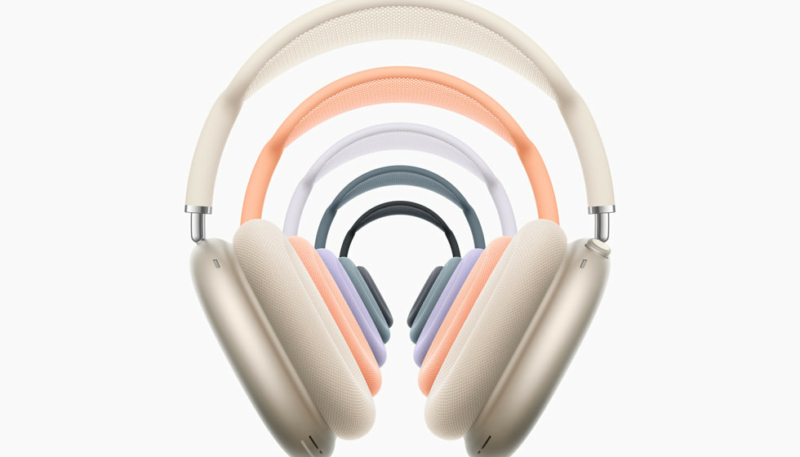
Apple on Tuesday released new firmware for its USB-C AirPods Max headphones. The new firmware has a build number of 7E108, up from the prior 7E101 firmware.
There is no word on what’s new in the firmware as of yet, if anything. That means it is likely that the update focuses on under-the-hood performance improvements and bug fixes.
While Apple doesn’t offer a way to manually upgrade AirPods firmware, but it is generally installed over-the-air when the AirPods are in a charging case and connected via Bluetooth to an iOS device or Mac.
If your AirPods Max are connected them to a power source, and are paired to an iPhone or iPad, they should update after a short period of time.
How to Check Your AirPods Max Firmware
Here’s how to check the firmware version of your AirPods Max headphones:
- Make sure your AirPods Max are connected to your iPhone or iPad.
- Launch the Settings app on your iPhone or iPad.
- Tap “General.”
- Tap “About.”
- Scroll down to “AirPods,” and tap that.
- Read the number next to “Firmware Version.”
