

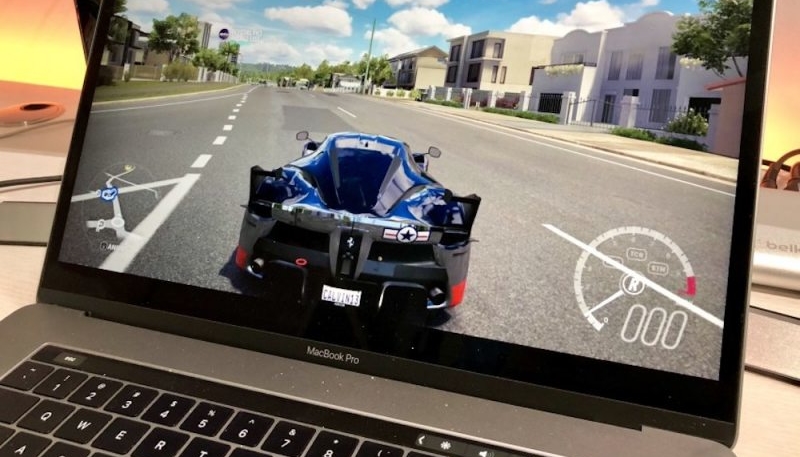
If you play games on your MacBook Pro or MacBook Air and they look blurry to you, don’t worry, it’s not just you. It’s the way macOS handles the way games display on MacBook Air and MacBook Pro models with a screen notch.
Developer Colin Cornaby says the cause lies in the way macOS reports a MacBook’s built-in display resolution to games.
When most games start – they ask the system what resolutions are available for the current display and pick the best one. A Mac app can get a list of suggested output resolutions through the CGDisplayCopyAllDisplayModes function. This worked well for decades on Macs with regular displays.
The problem with Apple laptops is they have a notch at the top of the display. The full screen area your game runs in is not the same resolution as the screen. Most games do not account for this problem. They output frames sized for the entire screen instead of the region they can draw to. This output is height compressed and blurry.
This means the resolution macOS reports back to games doesn’t always take into account the pixels the notch replaces. This means the game more or less draws pixels that are not normally shown.
When macOS displays a game full-screen, things get worse. MacBooks usually move the game’s image down to avoid the notch, creating a resolution mismatch.
“The problem with Apple laptops is they have a notch at the top of the display,” the Cornaby explains. “The full screen area your game runs in is not the same resolution as the screen. Most games do not account for this problem.”
This results in games that are played on a MacBook’s notched display displaying an image that’s larger that the physical area that can display it, making the image blurry.
Gamers that play games in a windowed mode are unaffected, since they don’t use the entire screen. If you play on an external monitor it also isn’t an issue, since they are not playing on the MacBook’s built-in display.
When a game launches, macOS apparently provides two resolutions to use, the Macbook’s available resolution, as well as the MacBook’s full display resolution, including the display area below the notch. While the game can use either resolution, which one it does use appears to be a bit of a hit-and-miss type of thing.
Gamers can workaround this issue by selecting an in-game resolution with a 16:10 ratio, if available. However, that option isn’t always available.
Cornaby claims he reported the issue to Apple in September 2023, but the company has yet to fix it.
