

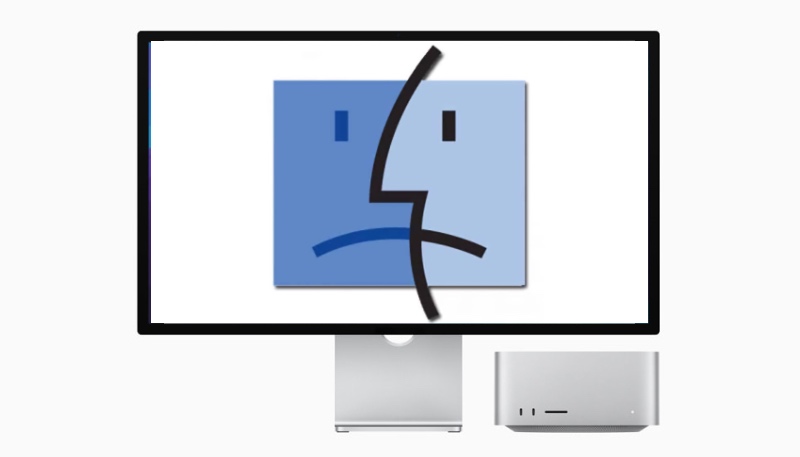
Are you the proud owner of a Mac Studio powered by an M3 Ultra chip and can’t get macOS Tahoe 26 to install on your precious? Well, you can stop playing “Only the Lonely” on repeat, as there is a bug that is preventing the new operating system from installing properly on M3 Ultra-powered Mac Studios.
When affected users try to install macOS Tahoe, the installation process proceeds as expected and then the Mac Studio goes through its final boot process and… macOS Sequoia 15.7 is still running instead of Tahoe. Repeat attempts also fail, no matter how many attempts are made.
Users in a discussion thread on the Apple Support Communities indicate that the bug is impacting all Mac Studios with an M3 Ultra chip. MacRumors (where we first saw this issue) reports it has a Mac Studio that is unable to be upgraded. Owners report that any attempts to install Tahoe via standard software update, safe mode, and recovery mode have all failed.
One Mac user who dug into the error messages suggests that while the installer loads the macOS Tahoe driver for the Apple Neural Engine as it should, a hardware check then fails, and the installation process is aborted.
While there is no known fix right now, Apple is aware of the problem, so a fix for the problem will hopefully be available soon.
