

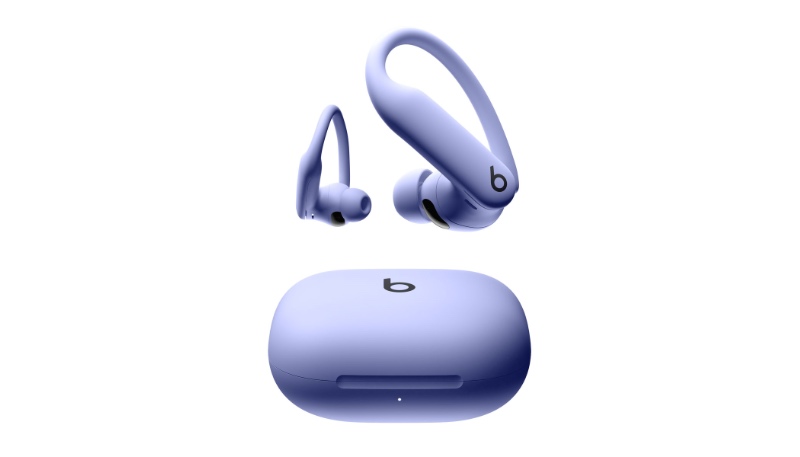
Apple on Tuesday released new firmware for its Powerbeats Pro 2 earbuds, released earlier this year. The new firmware carries a version number of 8A353, up from the prior version 7B30 firmware that was released in March.
The updated firmware brings new functionality when used with an iPhone running the iOS 26 update, released on Monday. The Powerbeats Pro 2 is now compatible with the Fitness apps, and wearers will be able to see their heart rate, calories burned, and the Burn Bar in real-time.
Apple also added a new algorithm that improves heart rate reading speeds. If there’s a poor fit that’s impacting heart rate monitoring, a new alert will suggest adjustments.
The heart rate monitoring feature in iOS 26 can be performed with a single earbud, and the earbuds can be used for step tracking, even when an iPhone is not nearby. Support has also been added for Siri head gestures, allowing users to nod their head yes or shake their head no to accept or decline calls, hear or decline text messages, and more.
While most of the new features are designed for iPhone users, the improved heart rate tracking algorithm and fit notifications are also usable on Android devices.
To update your AirPods Pro 2 or AirPods 4 firmware, make sure they are in the range of your iPhone, iPad, or Mac and place your AirPods in the Charging Case, then connect the charging Case to power The case should be kept closed for at least 30 minutes for the firmware update to complete.
There is no way to manually force an update for the Beats firmware, it is usually installed over-the-air when the earbuds are connected to an iOS device. If you put your Beats Studio Buds in the case, connect them to a power source and pair them to an iPhone or iPad will likely cause an update to occur after a short while.
Android users can update their Beats firmware using the Beats app for that platform.
