

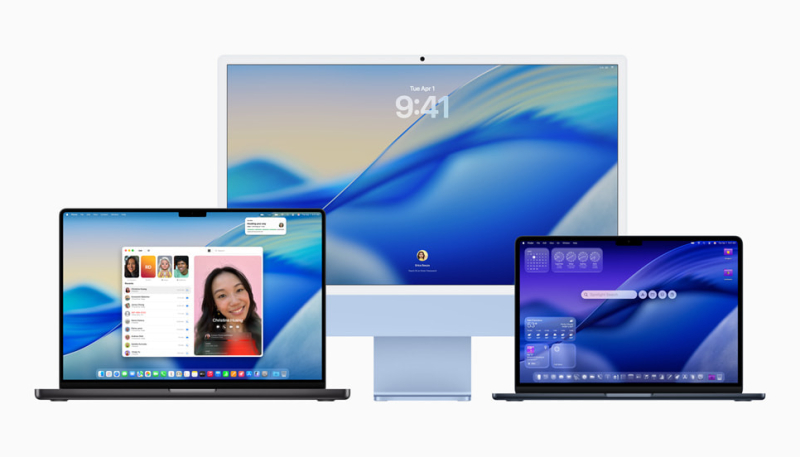
Apple today released macOS Tahoe 26.1 to the public, marking the release of the first major update to the macOS Tahoe operating system, which was released in September.
Mac users can download the macOS Tahoe update by using the Software Update section of System Settings.
macOS Tahoe 26.1 adds a Liquid Glass setting allowing users to choose between the default clear look or a new tinted look. It also brings improvements in AirPlay and FaceTime.
Apple’s full release notes are below:
This update includes the following features and enhancements:
– Liquid Glass setting gives you the option to choose between the default clear look or a new tinted look which increases opacity of the material in apps and notifications on the Lock Screen
– Apple Music AutoMix support over AirPlay
– Improved FaceTime audio quality in low-bandwidth conditions
– Communication Safety and Web content filters to limit adult websites are enabled by default for existing child accounts for ages 13-17 (Age varies by country or region)For information on the security content of Apple software updates, please visit: support.apple.com/100100.
Some features may not be available in all regions or on all Apple devices. To learn more, please visit: apple.com/macos/feature-availability.
Software updates, like this one, add new features and improvements that may affect performance and/or battery life. To learn more, please visit: support.apple.com/125039.
