

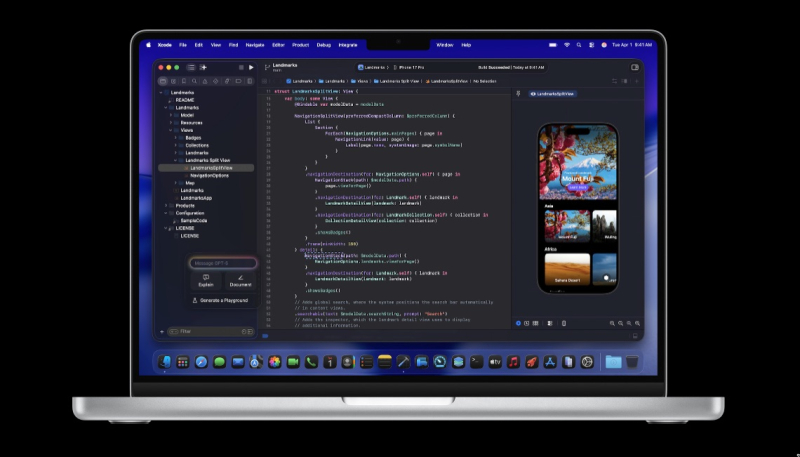
Apple today released Xcode 26.1.1, bringing multiple bug fixes, support for Swift 6.2.1, performance updates to its new AI-assisted coding features, and more.
The Xcode 26.1.1 release notes are as follow:
General
Resolved Issues
- Fixed an issue causing background indexing not to complete for some projects. (160820381) (FB20286513)
Known Issues
- Simulators may fail to boot during the first build after upgrading macOS. (152328794)Workaround: Execute
xcrun simctl runtime dyldprior to booting the simulator to ensure dyld shared cache generation has completed._shared _cache update --all Address Sanitizer
Known Issues
- Address Sanitizer is currently incompatible with hardware memory tagging. (161649378)Workaround: Disable hardware memory tagging when running with Address Sanitizer by un-checking the “Enable Hardware Memory Tagging” box in the “Enhanced Security” capability section of your Xcode project settings.
CallKit
Resolved Issues
- Fixed: visionOS 3rd-party apps using LiveLookup may hit a compilation failure if referencing
Live. (162615774)Lookup DBExtension Core Data Properties Set Coding Intelligence
Resolved Issues
- Fixed: Improved the memory usage of the Coding Assistant in projects with large git repositories. (155382239)
- Fixed: Coding tools may become unavailable in the source editor, and may fail when used in menus. (160972804)
- Fixed: The Coding Assistant’s “find text in file” tool may return incorrect line numbers, causing failed text replacements. (161690692)
- Fixed: Users interacting with ChatGPT in Xcode might experience performance issues when the assistant is applying code changes. (163507099)
Devices
New Features
- The
devicectlcommand line tool now supports gathering a sysdiagnose from a connected device. To use this functionality, runxcrun devicectl device sysdiagnose. (160492448)Enhanced Security
New Features
- When enabling Hardware Memory Tagging under Enhanced Security (Capabilities editor -> Enhanced Security -> Memory Safety -> Enable Hardware Memory Tagging), all applications will currently run under Soft Mode irrespective of the Soft Mode for Memory Tagging option. (160806045)
Instruments
New Features
- View body and view representable updates that were skipped are labeled as “Skipped Update” instead of “Update” in summaries and the cause graph. (157571061)
Resolved Issues
- Fixed: When using detail filter in the aggregation views, Instruments wouldn’t recalculate aggregation function results based on the filtered output. (147846388)
- Fixed an issue where Instruments detail filter would reset in the Call Tree view when timeline selection is changed. (157571541)
- Fixed an issue where
xctrace list instrumentswouldn’t list some of the available instruments to record. (157695053)- Fixed: a.out files could not be selected for launch using the file browser. (158295042) (FB19629820)
- Fixed: Foundation Models Instrument shows incorrect input and output token counts. (159793146)
- Fixed: Instruments could crash when processing a SwiftUI trace of an app that was already running. (160881881)
- Fixed: ‘Set Inspection Range and Zoom’ context menu button on an events table view wouldn’t cause timeline to zoom into the selected range. (161122705)
- Fixed: Processor Trace Instrument doesn’t allow for recording on iPhone 17 family of devices. (161440613)
Interface Builder
Resolved Issues
- Fixed: In the Components settings, the Add Platforms view may have two identical items that appear with different sizes. The larger one has Intel support. (160642378)
Localization
Resolved Issues
- Fixed: The String Catalog editor now has improved persistence of column sizes. (138817529) (FB15620865)
- Fixed an issue where Xcode and
xcstringstoolmay not extract strings from localization macros that contain empty arguments. For example:NSLocalized(144548519) (FB16477769)String(@“key1”, ) - Fixed a potential crash when editing a translation in a String Catalog while filtering. (160557189) (FB20245249)
Previews
Resolved Issues
- Fixed: Previews should now work in projects using mergeable libraries. (156593454) (FB19043520)
- Fixed: When switching between visionOS previews, it is possible to get a momentary “Resource Invalidation” error. This can be worked around by just resuming the preview by clicking the resume button or pressing Command-Option-P. (158613019)
Simulator
Resolved Issues
- Fixed:
simctl list devices --jsonshould now list all devices when multiple simulator runtimes with the same identifier are present on the system. (106564770)Swift Packages
Resolved Issues
- Fixed: Packages resolved from a package registry are now cached locally with a 1 hour expiry to reduce unnecessary fetches. (https://github.com/swiftlang/swift-package-manager/pull/9144) (160953355)
Testing
Resolved Issues
- Fixed: If an issue is recorded during a Swift Testing test via an API such as
#expectorIssuein a context which is unassociated with the test, such as via.record() Taskor a.detached { … } Dispatch, the test process no longer unexpectedly terminates and Xcode shows the issue. (156631722)Queue Xcode Cloud
Resolved Issues
- Fixed: The Xcode Cloud logo failed to display in the Report Navigator’s Cloud Reports tab. If you’re upgrading from the prior beta release (17B5025f) and continue to experience this issue, uninstall the previous version and restart your system. (160716132)
