

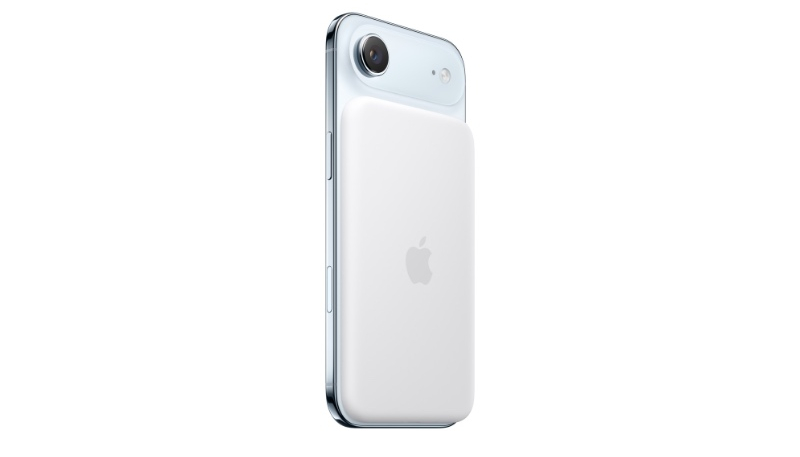
Apple on Tuesday released updated firmware for the iPhone Air MagSafe battery accessory. The new firmware carries a version number of 8B25, up from the prior 8A351 version. If you check the Settings app, the new firmware will show as 99.0 (the prior firmware was 91.0).
To check the version number of the MagSafe Battery’s firmware, attach it to an iPhone Air, then go to Settings -> General -> About -> iPhone Air MagSafe Battery.
The new firmware marks the second time Apple has updated the accessory since it was released alongside the iPhone Air in September. While Apple doesn’t provide details about accessory firmware updates, it likely offers updates affecting efficiency and performance.
There instructions available on how to manually update MagSafe battery firmware, although it should update when the battery is connected to the iPhone Air. An update can be forced by connecting the battery pack to a Mac.
The MagSafe Battery is exclusively for use with the iPhone Air.
