

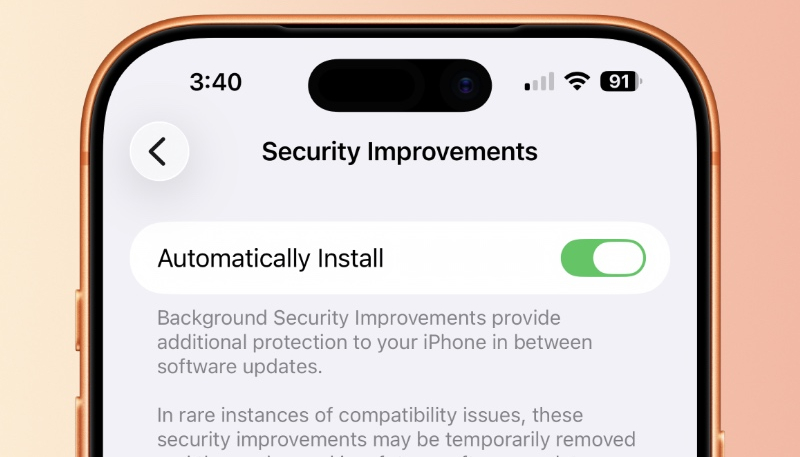
Apple continues to test the Background Security Improvement feature that first rolled out in iOS 26.1, iPadOS 26.1, and macOS Tahoe 26.1. Developers and public beta testers that have iOS 26.3, iPadOS 26.3, or macOS Tahoe 26.3 installed can test a new Background Security Improvement update for testing purposes.
Apple says Background Security Improvements provide additional security protections between standard software updates. However, the beta testing does not actually install any security fixes on the device and is merely for testing purposes.
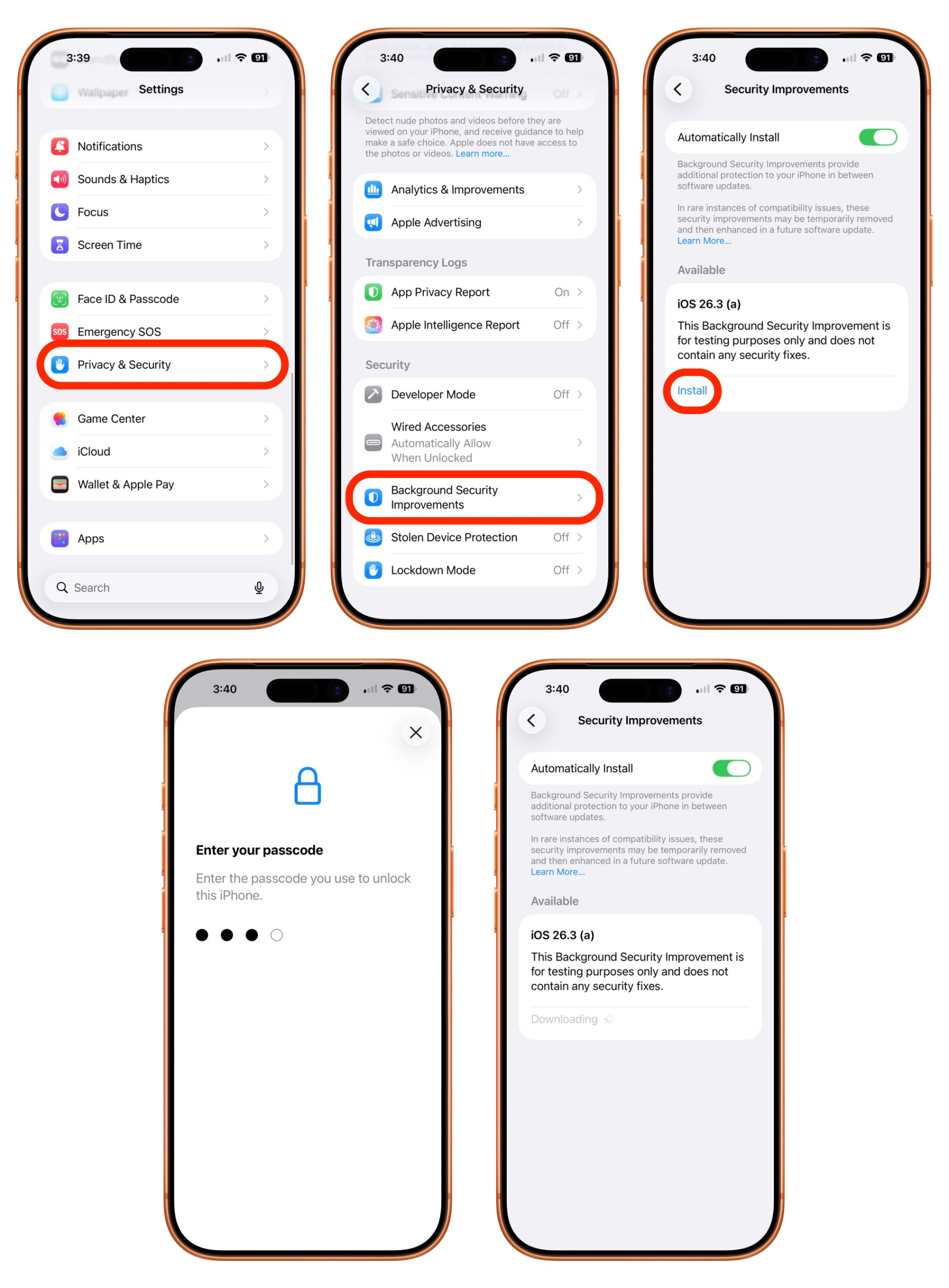
Background Security Improvements can be installed by going to the Settings app, then tapping “Privacy and Security,” scrolling down to “Background Security Improvements,” and tapping that option, then tapping the “Install” option on the next screen. If the “Automatically Install” switch is toggled to on, Background Security Improvements will be automatically installed when they come out.
Users who opt not to install the Background Security Improvements will receive the updates in a standard software update.
Apple warns that Background Security Updates can result in “rare instances of compatibility issues.” In that case, Background Security Improvements may be temporarily removed and then enhanced in a subsequent software update.
