

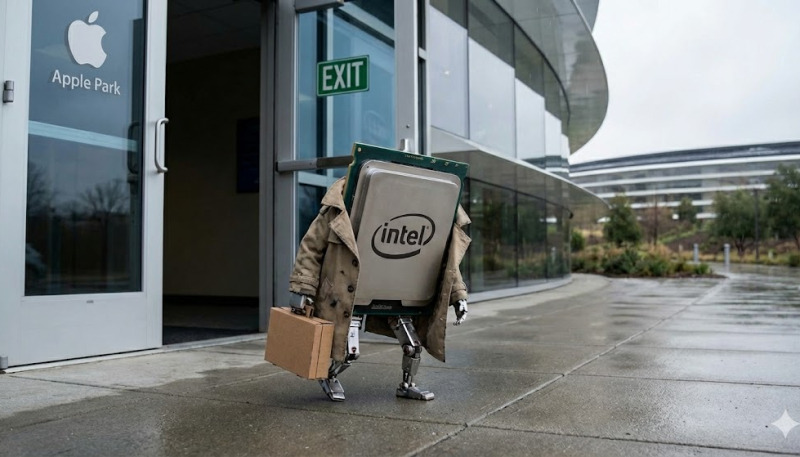
Rosetta 2 support, which allows Mac users to run software created for Intel machines run on Apple Silicon-powered Macs, will end with the release of macOS 28, which is expected to be released in 2027. In the first beta of macOS 26.4, which was released to developers on Monday, Apple begins warning users of the impending end of Intel app support.
Starting with macOS 28, Apple said that only a limited version of Rosetta 2 will remain available for older games that rely on Intel-based frameworks. That means Intel applications will cease functioning.
In macOS Tahoe 26.4, Apple has included a warning that that any Intel-based apps they have installed on their Mac will stop working in macOS 28. When launching an app that requires Rosetta 2 support, they will see a warning that support for the Rosetta 2 translation layer will soon end.
Users will also system notifications about the looming end of Rosetta 2 support pop-up from time-to-time.
macOS Tahoe 26 is the final version of macOS to include system-wide support for macs powered by Intel processors. However, macOS 27 will still provide Rosetta 2 to run Intel-only applications, with that support ending with the release of macOS 28.
If you’d like to know which apps will no longer work in macOS 28, just click the Apple icon in the upper-left hand corner of your Mac’s Desktop, then click “More Info.”. An “About” window will open. Click “General,” then scroll down to and click “System Report.” Scroll down until you see “Software,” then click “Applications.”
A list of your Mac’s installed apps will appear. Click the column entitled “Kind,” which shows the processor architecture the app was designed for. This will sort your apps by the platform they were designed for. You need to worry about the apps marked as “Intel.” The apps marked as “Universal” or “Apple Silicon” will keep running in macOS 28.
