

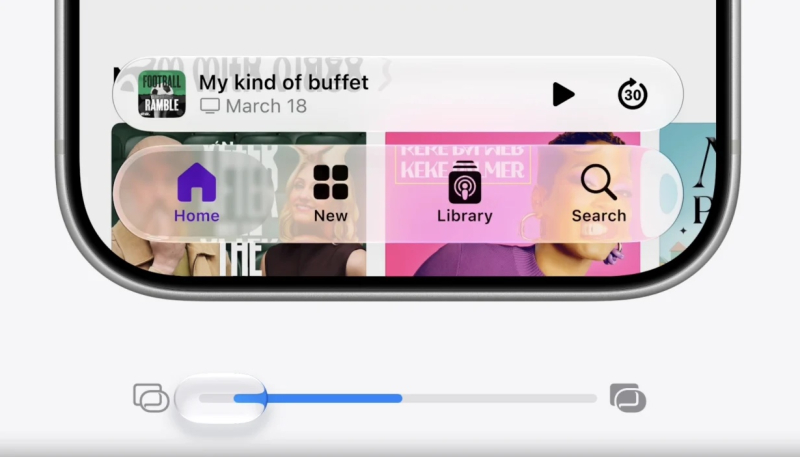
Once you’ve installed the iOS 27, iPadOS 27, or macOS 27 Golden Gate developer beta or public beta (coming in July), you’ll find you can easily customize the Liquid Glass settings for your device.
Simply go to “Settings” -> “Appearance” -> “Liquid Glass.”
There, you can move the provided slider back and forth, until the results look to be to your liking.
Easy peasy!
The video below shows how it works.
