

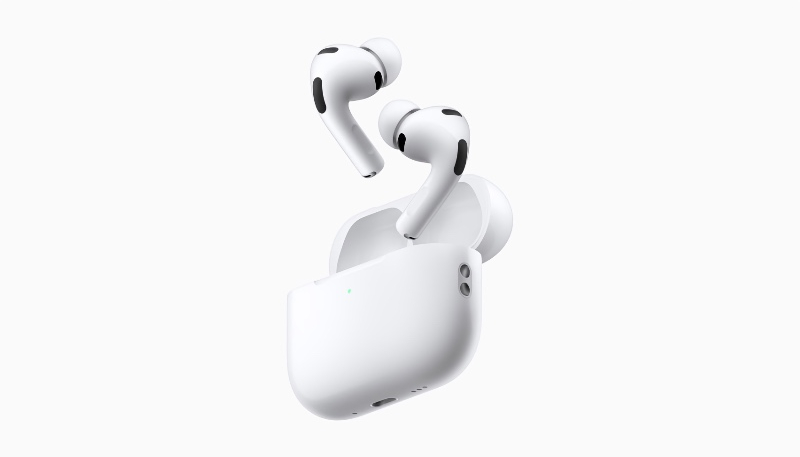
Apple has released new firmware for the AirPods Pro 3 and AirPods Pro 2. The new firmware carries a version number of 8B41, up from 8B40 for the AirPods Pro 3 and 8B39 for the AirPods Pro 2.
There is no word on what’s included in the new firmware, but Apple has a support document with limited notes that say the update is for bug fixes and performance improvements.
While there isn’t any way to manually update the firmware of the earbuds, the new software will be installed over the air while the AirPods are connected via Bluetooth to an iOS device.
If you place the AirPods in their case, connect them to a power source, and then pair them to an iPhone or iPad, they should update after a short period of time.
How to Check Your AirPods Firmware
Here’s how to check the firmware version of your AirPods Pro earbuds:
- Make sure your AirPods are connected to your iPhone or iPad.
- Launch the Settings app on your iPhone or iPad.
- Tap “General.”
- Tap “About.”
- Scroll down to “AirPods,” and tap that.
- Read the number next to “Firmware Version.”
Latest AirPods Firmware Versions
- AirPods Max 2: 8E258
- AirPods Max 1 (USB-C): 7E108
- AirPods Max 1 (Lightning): 6F25
- AirPods Pro 3: 8B41
- AirPods Pro 2 with MagSafe Charging Case (USB-C): 8B41
- AirPods Pro 2 with MagSafe Charging Case (Lightning): 8B41
- AirPods Pro 1: 6F21
- AirPods 4: 8B39
- AirPods 4 with Active Noise Cancellation: 8B39
- AirPods 3: 6F21
- AirPods 2: 6F21
- AirPods 1: 6.8.8
Learn how you can identify your AirPods.
Apple also released new firmware for the Beats Studio Buds.
