

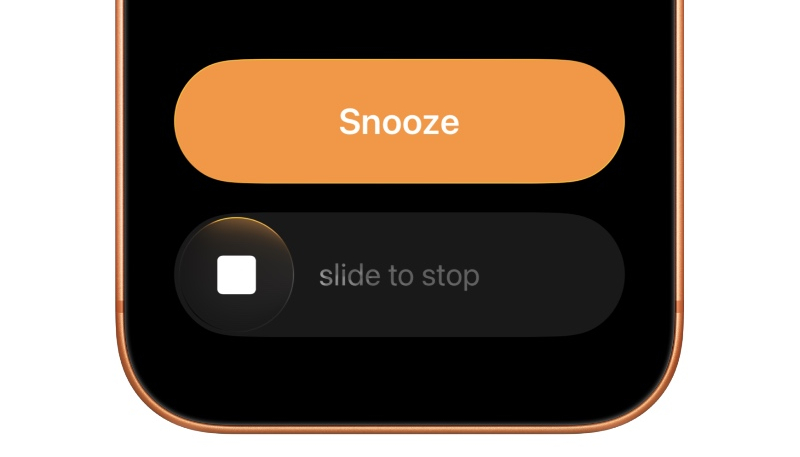
Apple on Monday seeded the second beta of iOS 26.1 to developers. The new seed brings a change to how users will dismiss an alarm.
Alarms in iOS 26.1 beta 2 now require users to make a new “Slide to Stop” gesture instead of the simple tap that was previously required. A tap will continue to snooze an alarm, although turning one completely off will require the swipe gesture.
Apple likely made the change to assist those of us who believed we turned off an alarm, only to be met with a loud alarm 9 minutes later, or to think you’re tapping Snooze, only to actually turn off the alarm. (I can’t be the only one that has had this happen. Multiple times. A week.) In the current iOS 26 public release, it is easy to accidentally tap the Stop button instead of Snooze, and vice versa. Now blind tapping will only snooze the alarm, not turn it off completely.
Slide to Stop is also used for timers in iOS 26.1 beta 2.
