NEWS
HOW TO
GIVEAWAYS
REVIEWS
SHOP
DEVICES
Apple TV
Apple Watch
HomePod
iPad
iPhone
iPod
Mac
+
WALLPAPERS
GAMES
OPINION
SECURITY
APPS
ABOUT US
ABOUT US
CONTACT US
PRIVACY POLICY
TERMS OF SERVICE
NEWS
HOW TO
GIVEAWAYS
REVIEWS
SHOP
DEVICES
Apple TV
Apple Watch
HomePod
iPad
iPhone
iPod
Mac
+
WALLPAPERS
GAMES
OPINION
SECURITY
APPS
ABOUT US
ABOUT US
CONTACT US
PRIVACY POLICY
TERMS OF SERVICE
Follow Us
safari
News
macOS Mojave and iOS 12 Versions of Safari to Support Favicons
How To
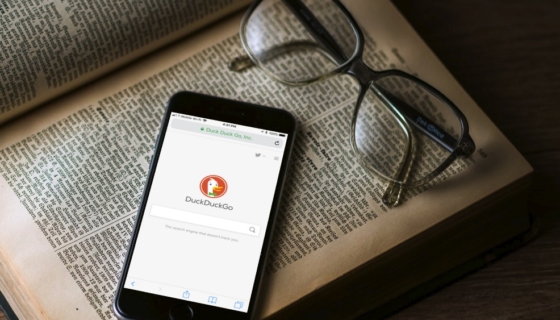
DuckDuckGo: How to Set Safari in iOS 11 to Use it and Why You Should Want To
How To
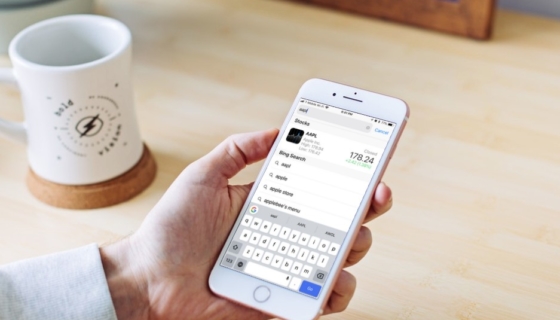
How To Quickly Get a Stock Price in the Safari Address Bar
Apple
Apple Safari Technology Preview 53 Offers Bug Fixes and Feature Improvements
Mac
Safari Exploited Again on Day Two of Pwn2Own
macOS
Pwn2Own 2018 Kicks Off With Successful Safari Exploit
How To
How To Prevent Tracking in the macOS High Sierra Safari Browser
How To
How To Protect Your Privacy in Safari for iOS 11
How To
How To Search For and Copy Text in Safari on iOS 11 Devices
How To
How To Clear Cache and Delete Cookies w/ Browsing History in Safari for iOS
How To
How to Save a Website Bookmark in Safari on iOS 11
iOS
Ad Firms Said to be Losing ‘Hundreds of Millions of Dollars’ After Apple Restricts User Tracking in Safari Browser
Mac
Safari Technology Preview 43 for Mac Release Offers Bug Fixes and Feature Enhancements
How To
How To Save a Safari Webpage as a PDF with iOS 11
How To
How to Recover Closed Tabs in the Safari Browser on iOS
How To
How to Print a Safari Webpage Without Ads on Your Mac
How To
How to View Webpages in Reader Mode in Safari on the iPhone
How To
How to Clear Your Individual Internet History Entries in Safari on Your Mac
How To
How to Set a New Default Search Engine in Safari on Your Mac
macOS
Safari Technology Preview 33 for Mac Release Offers Netflix AirPods Bug Fix
How To
How to Clear Your Internet History in Safari on Your Mac
How To
How to Clear Internet Cookies in Safari on the Mac
How To
How To Zoom In and Out on a Webpage in Safari and Chrome on Your Mac
How To
How to Use Private Browsing Mode in Safari on Your iPhone